
Review email campaigns and credits
Understand campaign status, delivery counts, contact consent and monthly email allowances.
Step-by-step instructions
- 01
Open campaign history
In the dashboard, open CRM → Email Campaigns. This collection is currently read-only for agents; it does not provide a Create New or Send button.
- 02
Read a campaign record
Open a campaign to review its status and counts, including selected, eligible, suppressed, accepted, delivered and failed recipients. A queued or sending status does not mean every message was delivered.
- 03
Check contact consent
Open CRM → Contacts and inspect Email Consent Status before a contact is included in a campaign. Unknown or withdrawn consent is not permission to send marketing email.
- 04
Understand monthly credits
Your plan defines the monthly email allowance; one sent email uses one credit. Account → Billing & Payments shows plan options. Campaign creation and sending are handled by the separate Ragent workflow when enabled, not by editing this read-only collection.
Screenshots and callouts
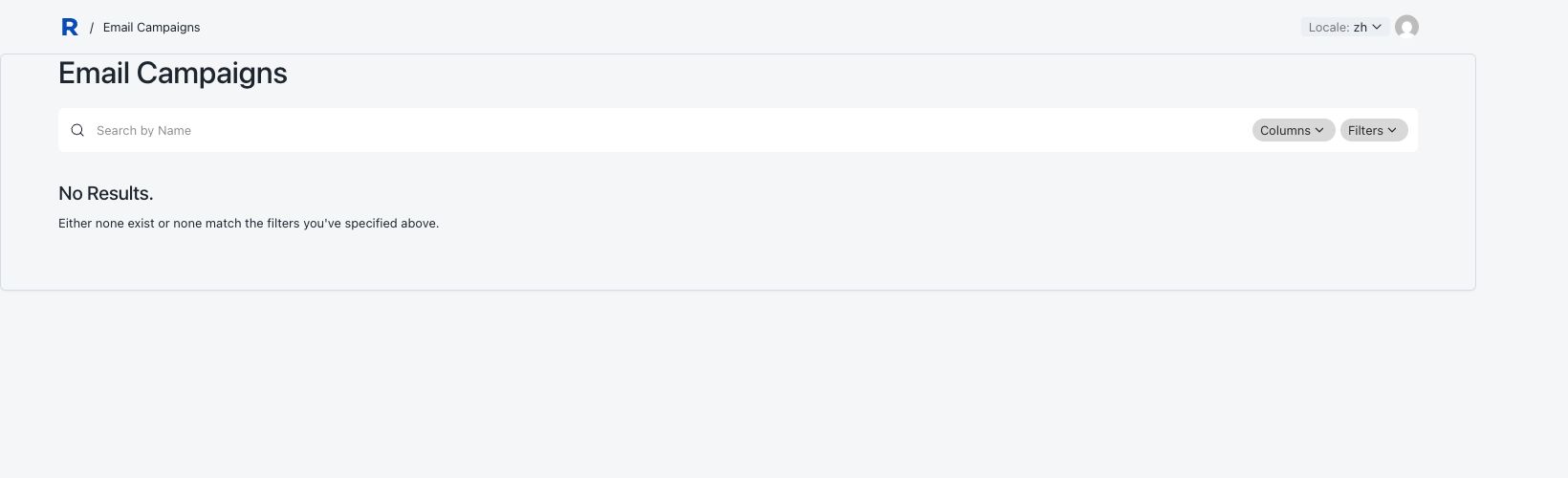 1 · Campaign history
Helpful notes
- If no campaigns appear, do not create a record manually; check whether campaign sending is enabled for your account.